Turn any image into a beautiful Paint-by-Numbers artwork
Transform your favorite photos into printable paint-by-numbers templates.
Features
Smart color reduction
Intelligently reduce your image to 4-24 colors while maintaining visual quality and recognizable details.
Smooth, organic outlines
Adjust smoothing levels to create gentle, flowing boundaries between color regions for a natural look.
Printable SVG & PNG export
Download your finished template as high-quality SVG or PNG files, ready for printing at any size.
Adjustable detail level
Control minimum area sizes to merge tiny regions and create templates that are easier to paint.
Numbered color guide
Each region is labeled with numbers that correspond to your color palette for easy painting.
Open Source
Completely free and open-source software. View the code on GitHub.
How it started
The idea for this project started while I was looking for a gift for my girlfriend. She loves painting, and I wanted to give her something personal — not just another standard paint-by-numbers kit.
I began wondering if it would be possible to create a custom paint-by-numbers template from one of our own photos. I found a company that offered exactly that, but the price felt surprisingly high for what was essentially a single generated image.
When I started looking for a similar gift again later on, I searched for an open-source alternative and discovered an existing paint-by-numbers generator: paintbynumbersgenerator on GitHub. I used it to generate several images and was impressed by the underlying idea and the results.
However, the interface felt outdated and the project was no longer actively maintained. That sparked the idea to build a modern version — one that keeps the powerful core concept, but adds a clean, intuitive interface and more control over the final result.
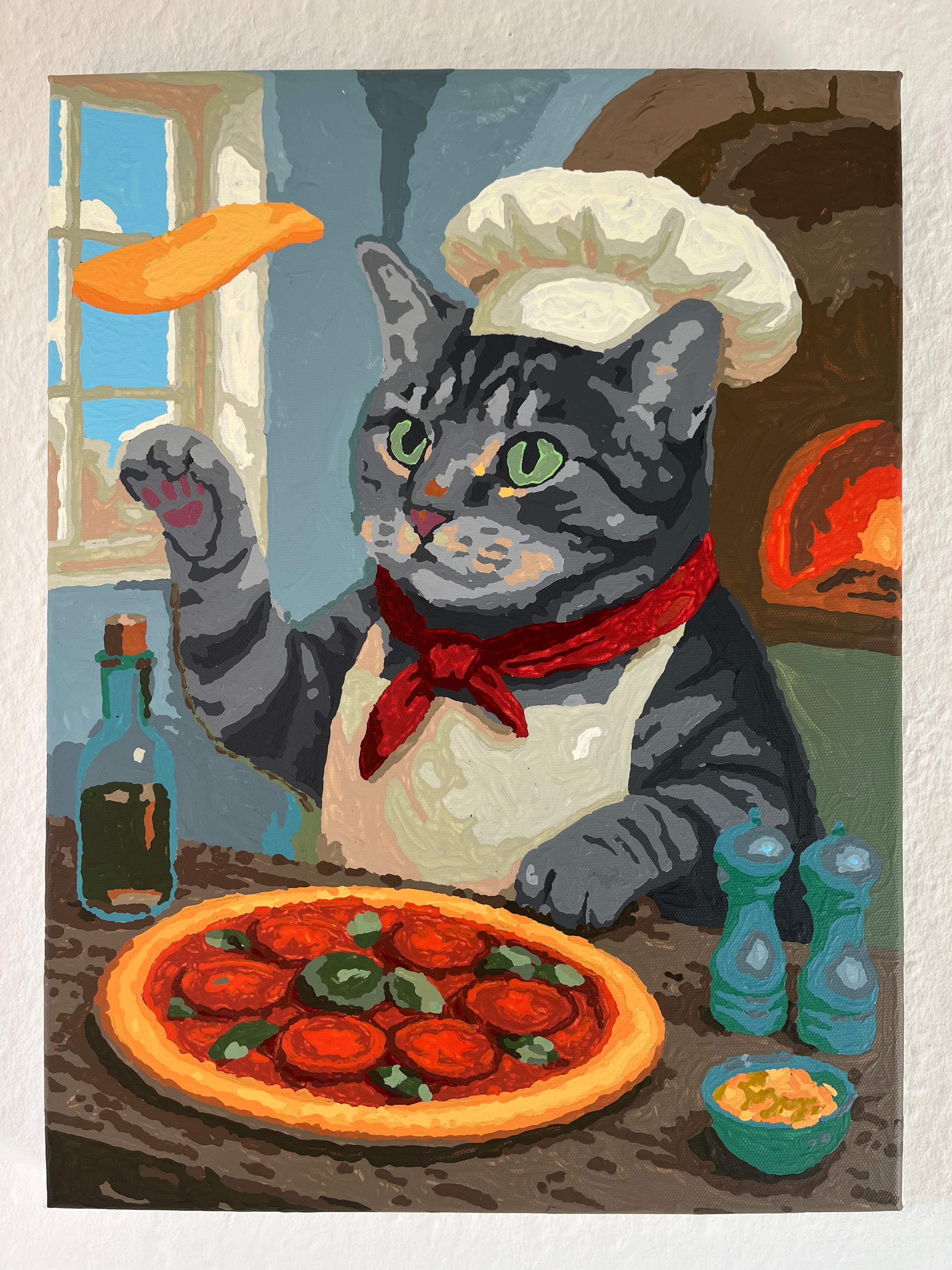
Impressions
Create your own Paint-by-Numbers artwork
Start transforming your images into beautiful paint-by-numbers templates today. It's free to use and takes just seconds to get started.
Get started